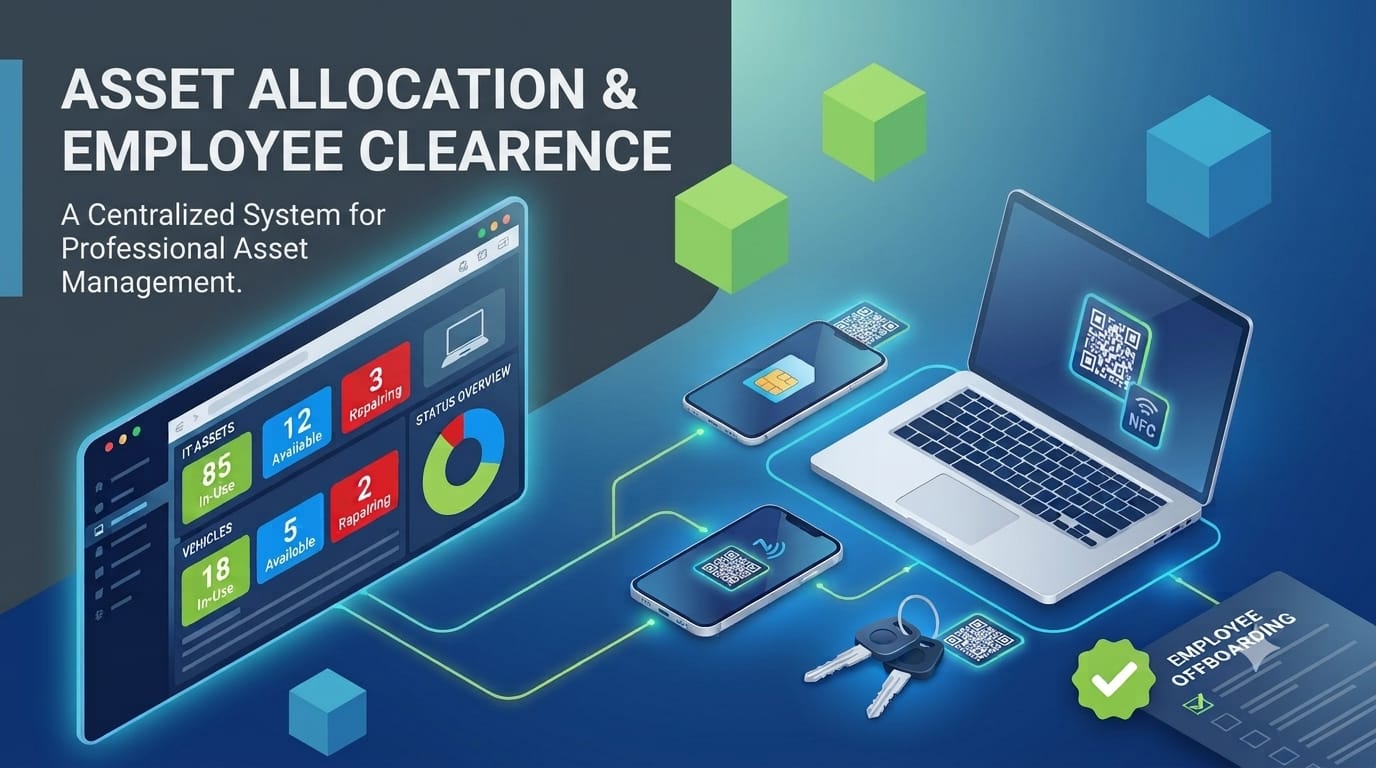
In the daily hustle of a growing business, the question “Who has the keys to the company van?” or “Where did that MacBook Pro go?” should never be a mystery. Yet, for many teams, asset management remains an inefficient process defined by the frequent misplacement of assets and a lack of real-time visibility.
Whether you’re a startup handing out your first few SIM cards or a large enterprise managing a fleet of vehicles, Asset Tracking shouldn’t be a headache. It’s time to move past the era of “I think John has it” and embrace a system that offers total clarity through Asset Lifecycle Management from the day an item is bought to the day it’s retired.
1. The Asset Master: Your Digital Foundation
Every piece of company property deserves a digital birth certificate. Asset Master Creation is your central source of truth. Instead of one giant, messy list, you can organize your world into logical Asset Categories:
- IT Assets: Laptops, tablets, and those high-priority SIM cards.
- Transportation: The company cars and delivery bikes that keep you moving.
By assigning unique identifiers and a designated Asset Custodian, you create a culture of accountability. When a specific manager is responsible for a category, “lost” items suddenly become a thing of the past.
2. Real-Time Visibility: No More Guesswork
Gone are the days of digging through messy spreadsheets. A centralized Asset List provides a bird’s-eye view of your entire inventory. Filter by location, status (Available, In-Use, or Under Repair), or custodian to find exactly what you need in seconds.
3. Seamless Issuance: Professional Handovers
The moment an employee joins your team, the way they receive their Asset sets the tone for their journey. With Asset Issuance, the handover is professional and documented.
- Digital Paper Trails: No more “he said, she said.” The system logs exactly what was handed over.
- Access Control: Role based permissions ensure that only authorized staff can sign off on high-value equipment like company cars.
4. The Handover & Return Entry
Life isn’t linear. Employees take sabbaticals, go on leave, or perhaps a vehicle needs to be temporarily reassigned to a different driver. Our system handles these “hand-offs” gracefully:
- The Hand Back: When an employee goes on leave, they record an Asset Return Entry, noting the item’s condition.
- The Bridge: That asset can then be issued to a temporary user so it doesn’t sit idle.
- The Homecoming: Once the original owner returns, the asset is swapped back, and the Asset History is updated.
5. Employee Asset : The History That Matters
Every employee profile now comes with a full “Asset History ” tab. This is a lifesaver for HR and IT during Employee Offboarding. Before a final settlement is made, you have a complete checklist of every SIM card, laptop charger, and remote key that needs to be returned.
6.Reports:Turning Data Into Strategy
A great Inventory Management System doesn’t just track assets; it provides insights. Use Asset Reporting to stay ahead of the curve:
- Audit Trails: View the full movement history of any item over the last year.
- Utilization: Spot the equipment that’s just gathering dust and could be sold or repurposed.
Total Control at Your Fingertips
At the end of the day, managing assets is about protecting your bottom line. When your team knows there is a clear, transparent system in place, they naturally take better care of the tools they use. By utilizing a complete lifecycle solution, you’re not just counting laptops; you’re building a more organized, efficient, and professional workplace.
Frequently Asked Questions (FAQ)
1.What is the role of an Asset Custodian in the company?
An Asset Custodian is a designated employee responsible for overseeing a specific category of assets (like IT assets or vehicles). They act as the primary point of contact for audits, maintenance, and tracking within that category to ensure clear accountability.
2.How does asset tracking help during the employee offboarding process?
By maintaining a detailed Asset History linked to each employee’s profile, The system provides an instant, accurate list of all company property held by that individual.This ensures that every item from high value laptops to small SIM cards are recovered before the final exit settlement.
3.How does the software handle company property and assets during clearance?
The system maintains a precise record of all assets allocated to an employee. During the clearance phase, the HR dashboard displays exactly what items (laptops, keys, SIM cards, etc.) were assigned to the existing staff. This ensures that “Full and Final” (F&F) settlement only proceeds once these specific allocated assets are marked as returned, supporting a secure and organized clearance process.